THE EDIT
Collection spotlightThe organised desk editCable management, charging and practical power accessories for a cleaner setup.
Explore collection
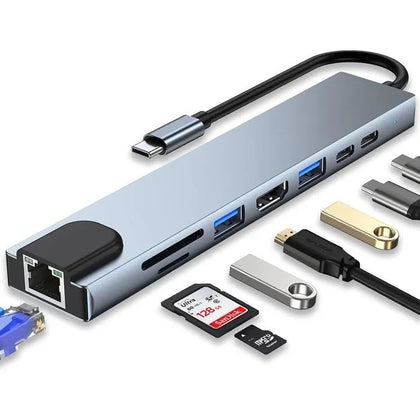 8-in-1 USB C Hub with 4K HDMI, 100W PD, USB 3.0, RJ45 Ethernet, SD/TF Card Reader$35.23
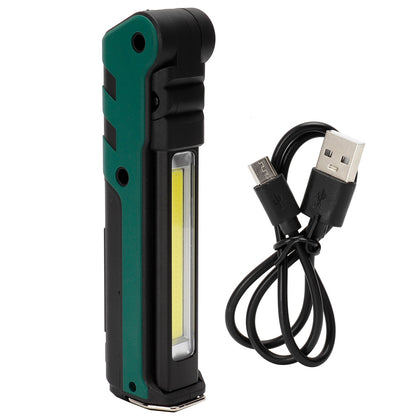 USB LED Work Light, Foldable Portable Flashlight with Magnet for Car Repair Emergency$53.05
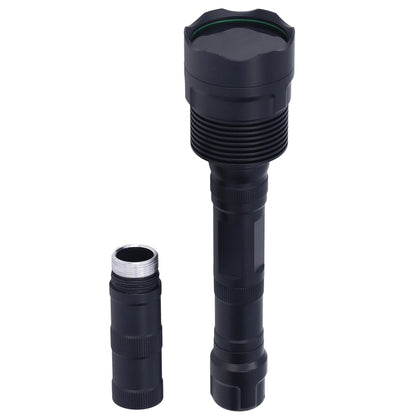 Portable UV Flashlight 365nm, 3LED, Ultra Violet Torch for Pet Urine & Currency Detection$167.64
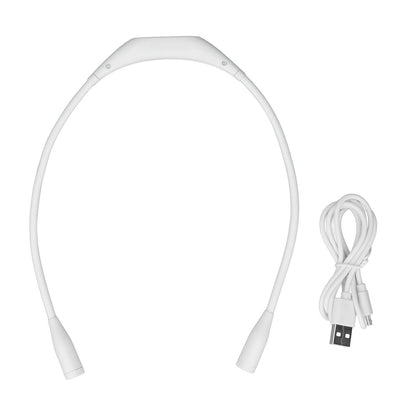 USB Rechargeable Neck Light, 3 Brightness Levels, 360° Flexible LED Reading Lamp for Running, White$20.96
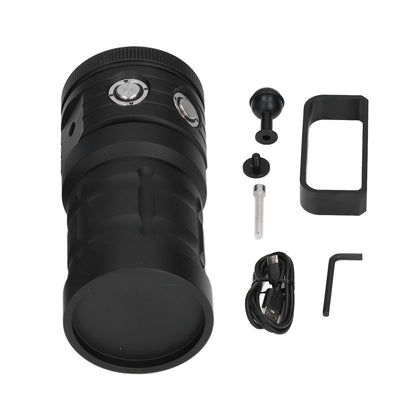 COB LED Diving Flashlight, 100m Waterproof Underwater Torch, 3 Light Colors, 7 Modes$391.51
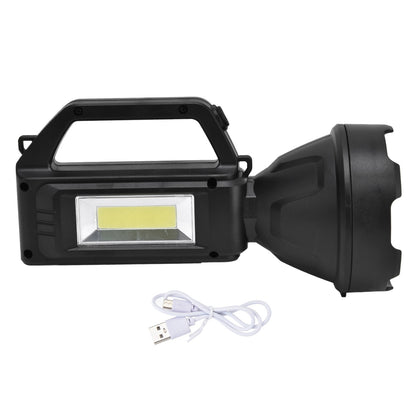 Super Bright LED Searchlight, 4 Light Modes, USB Rechargeable, Waterproof, Outdoor Camping Spotlight$17.81
DisplayPort to HDMI Adapter, Male to Female, for Connecting DisplayPort Devices to HDMI Displays
SKU P20260423LGSSCF2E5SG-0%
Sale$143.24
Delivery calculated at checkout.
AvailableMy Store
This DisplayPort to HDMI Adapter allows you to connect a computer or laptop with a DisplayPort output to an HDMI monitor or TV. It supports video resolutions up to 1080p for TVs and up to 1920 x 1200 for PC graphics, making it suitable for business, home entertainment, or conference rooms. The adapter features a latching 20-pin DisplayPort male input and a 19-pin HDMI female output. A separate HDMI cable (not included) is required to connect to your...
Delivery optionsMethods and rates are calculated for the order and destination.
Secure checkoutPayment is handled through Shopify checkout.
Returns & warrantiesRead the process for faults, damage and return requests.
Consumer guaranteesUnderstand rights available under Australian Consumer Law.
Product details
- This DisplayPort to HDMI Adapter allows you to connect a computer or laptop with a DisplayPort output to an HDMI monitor or TV.
- It supports video resolutions up to 1080p for TVs and up to 1920 x 1200 for PC graphics, making it suitable for business, home entertainment, or conference rooms.
- The adapter features a latching 20-pin DisplayPort male input and a 19-pin HDMI female output. A separate HDMI cable (not included) is required to connect to your display.
- Supported PC resolutions include 800x600, 1024x768, 1280x768, 1280x800, 1280x960, 1280x1024, 1440x900, 1600x1200, 1680x1050, 1920x1080, and 1920x1200. Supported TV resolutions include 480i, 576i, 480p, 576p, 1080i, and 1080p.
- The package includes one DisplayPort to HDMI adapter. Works with desktops and laptops that have an available DisplayPort output.
Specifications
- Weight: 1000 g
- Length: mm
- Width: mm
- Height: mm
Delivery & returns
Delivery methods, charges and estimates are calculated for the order and destination during checkout.
For a faulty, damaged or incorrect item, review Refunds & Warranties and contact us before sending anything back.
Product support
Need help checking a connector, measurement or compatibility detail? Contact customer care with the product name and SKU.
You may also like
 8-in-1 USB C Hub with 4K HDMI, 100W PD, USB 3.0, RJ45 Ethernet, SD/TF Card Reader$35.23
 USB LED Work Light, Foldable Portable Flashlight with Magnet for Car Repair Emergency$53.05
 Portable UV Flashlight 365nm, 3LED, Ultra Violet Torch for Pet Urine & Currency Detection$167.64
 USB Rechargeable Neck Light, 3 Brightness Levels, 360° Flexible LED Reading Lamp for Running, White$20.96
 COB LED Diving Flashlight, 100m Waterproof Underwater Torch, 3 Light Colors, 7 Modes$391.51
 Super Bright LED Searchlight, 4 Light Modes, USB Rechargeable, Waterproof, Outdoor Camping Spotlight$17.81