THE EDIT
Collection spotlightUseful tech, better sortedExplore practical accessories selected for everyday work, home and time away.
Explore collection
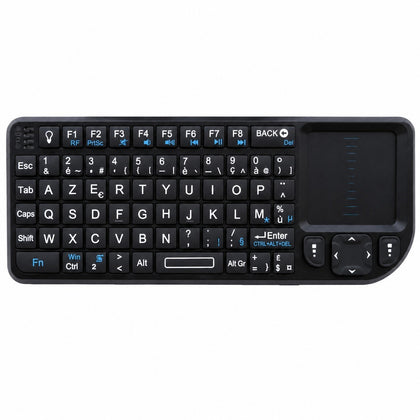 Mini Wireless Keyboard with Touchpad, AZERTY, 2.4 GHz Rechargeable, for Smart TV & PC$63.66
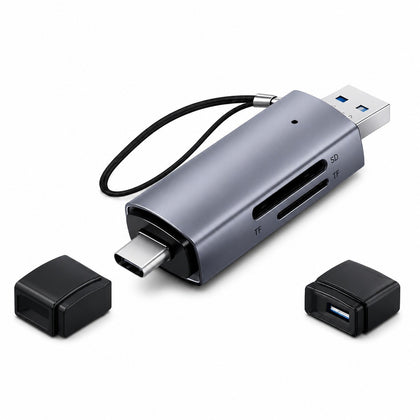 2-in-1 SD Micro SD Card Reader USB 3.0 & USB-C, OTG Compatible$20.03
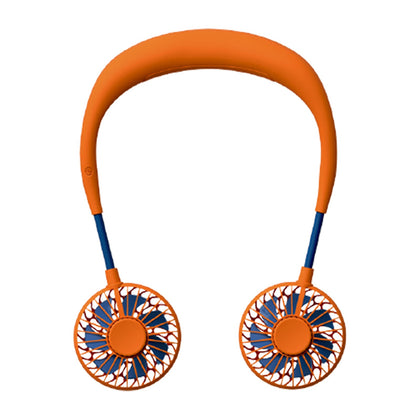 USB Rechargeable Mini Neck Fan, Portable Hands-Free Personal Cooling Fan$18.57
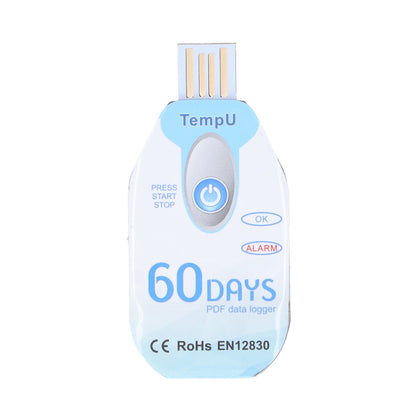 Portable Food Temperature Data Logger, USB Powered, PDF Report$120.00
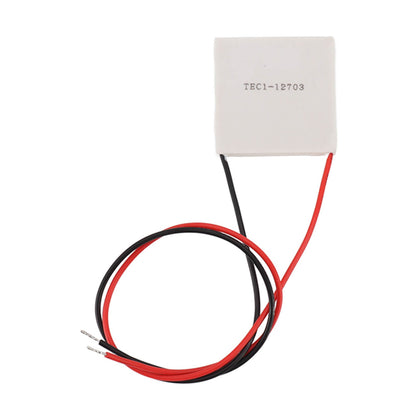 Thermoelectric Cooler, Semiconductor Refrigeration Tablet, Silicone Rubber, for CPU Power Industry$14.11
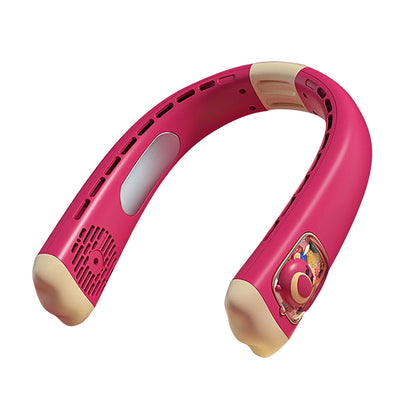 USB Rechargeable Neck Fan, Strawberry Bear Design, Portable Hands-Free, Personal Cooling$33.55
External CD DVD Drive Burner 7-in-1 USB Hub with SD/TF Card Reader USB 3.0 Type-C for Laptop Desktop Computer (Demo Unit)
SKU P20260430LGSSZ5OVI59-5%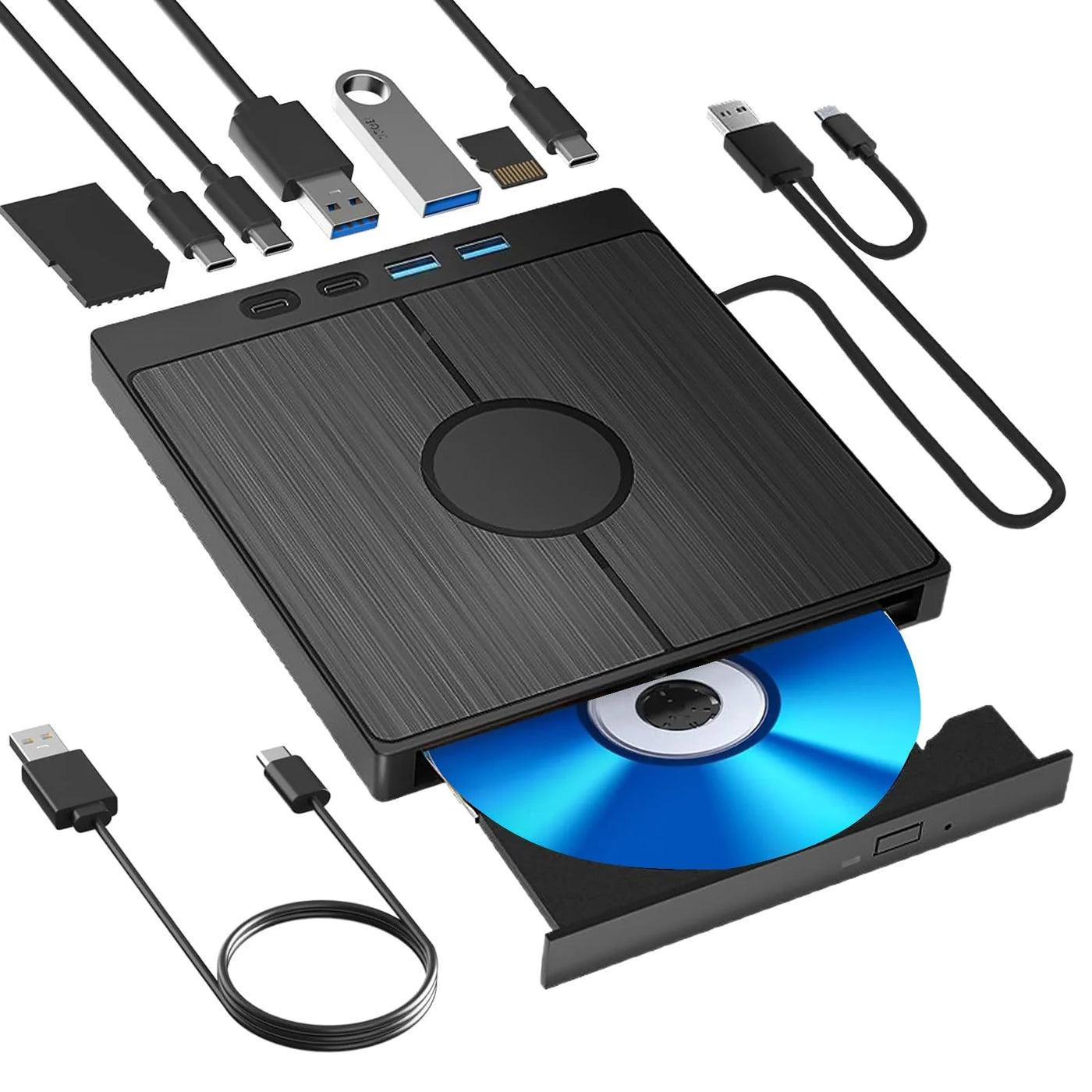
Sale$62.83$66.84
Delivery calculated at checkout.
AvailableMy Store
This 7-in-1 external CD/DVD drive burner player is a practical solution for adding optical media support to your laptop or desktop computer. It offers plug-and-play operation, requiring no external power supply. The built-in USB hub expands connectivity with SD and TF card slots, plus USB 3.0 and Type-C ports, enabling high-speed data transfer up to 5 Gbps for efficient file management. The drive handles CD±R/RW, DVD±R/RW, and DVD-RAM formats, with a special error correction function to maintain data...
Delivery optionsMethods and rates are calculated for the order and destination.
Secure checkoutPayment is handled through Shopify checkout.
Returns & warrantiesRead the process for faults, damage and return requests.
Consumer guaranteesUnderstand rights available under Australian Consumer Law.
Product details
- This 7-in-1 external CD/DVD drive burner player is a practical solution for adding optical media support to your laptop or desktop computer. It offers plug-and-play operation, requiring no external power supply.
- The built-in USB hub expands connectivity with SD and TF card slots, plus USB 3.0 and Type-C ports, enabling high-speed data transfer up to 5 Gbps for efficient file management. The drive handles CD±R/RW, DVD±R/RW, and DVD-RAM formats, with a special error correction function to maintain data integrity.
- Please note this unit is a demo model. The box may have stickers, but that does not affect the product's quality. Ideal for reading, writing, and playing your discs on modern computers lacking an internal drive.
Specifications
- Weight: 340 g
- Length: 190 mm
- Width: 160 mm
- Height: 30 mm
Delivery & returns
Delivery methods, charges and estimates are calculated for the order and destination during checkout.
For a faulty, damaged or incorrect item, review Refunds & Warranties and contact us before sending anything back.
Product support
Need help checking a connector, measurement or compatibility detail? Contact customer care with the product name and SKU.
You may also like
 Mini Wireless Keyboard with Touchpad, AZERTY, 2.4 GHz Rechargeable, for Smart TV & PC$63.66
 2-in-1 SD Micro SD Card Reader USB 3.0 & USB-C, OTG Compatible$20.03
 USB Rechargeable Mini Neck Fan, Portable Hands-Free Personal Cooling Fan$18.57
 Portable Food Temperature Data Logger, USB Powered, PDF Report$120.00
 Thermoelectric Cooler, Semiconductor Refrigeration Tablet, Silicone Rubber, for CPU Power Industry$14.11
 USB Rechargeable Neck Fan, Strawberry Bear Design, Portable Hands-Free, Personal Cooling$33.55