THE EDIT
Collection spotlightThe organised desk editCable management, charging and practical power accessories for a cleaner setup.
Explore collection
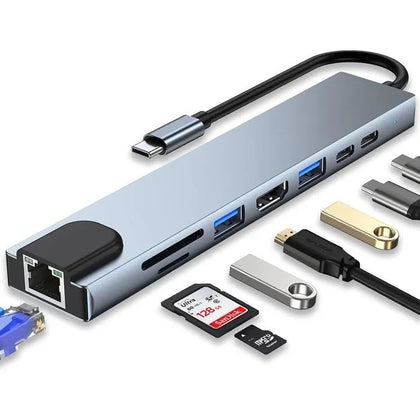 8-in-1 USB C Hub with 4K HDMI, 100W PD, USB 3.0, RJ45 Ethernet, SD/TF Card Reader$35.23
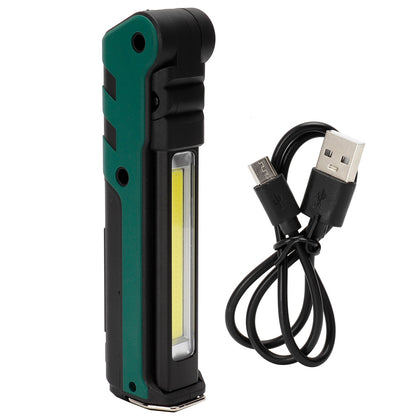 USB LED Work Light, Foldable Portable Flashlight with Magnet for Car Repair Emergency$53.05
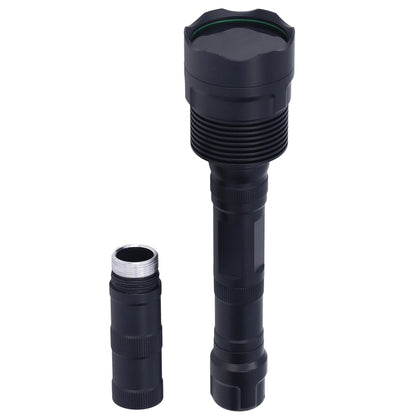 Portable UV Flashlight 365nm, 3LED, Ultra Violet Torch for Pet Urine & Currency Detection$167.64
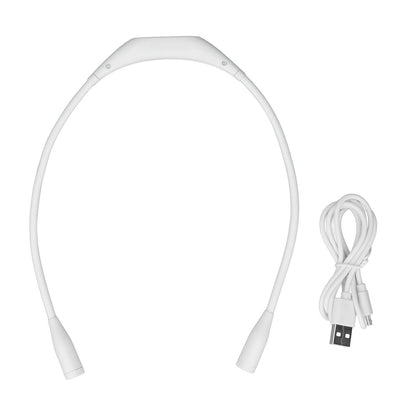 USB Rechargeable Neck Light, 3 Brightness Levels, 360° Flexible LED Reading Lamp for Running, White$20.96
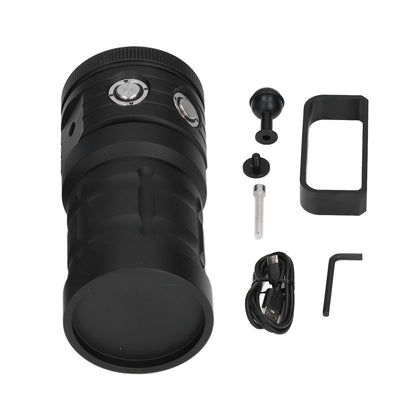 COB LED Diving Flashlight, 100m Waterproof Underwater Torch, 3 Light Colors, 7 Modes$391.51
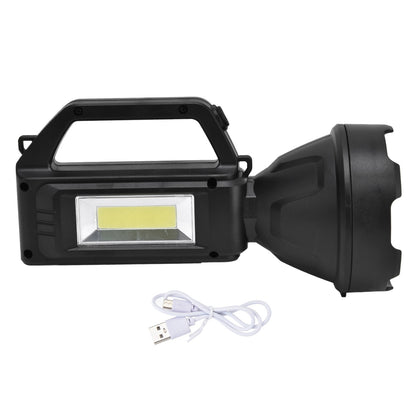 Super Bright LED Searchlight, 4 Light Modes, USB Rechargeable, Waterproof, Outdoor Camping Spotlight$17.81
HDMI 2.1 Bi-Directional Switch Splitter, 2-in-1-Out or 1-in-2-Out, 8K@60Hz 4K@120Hz, 48Gbps
SKU P20260423LGSSCF1MBAZ-0%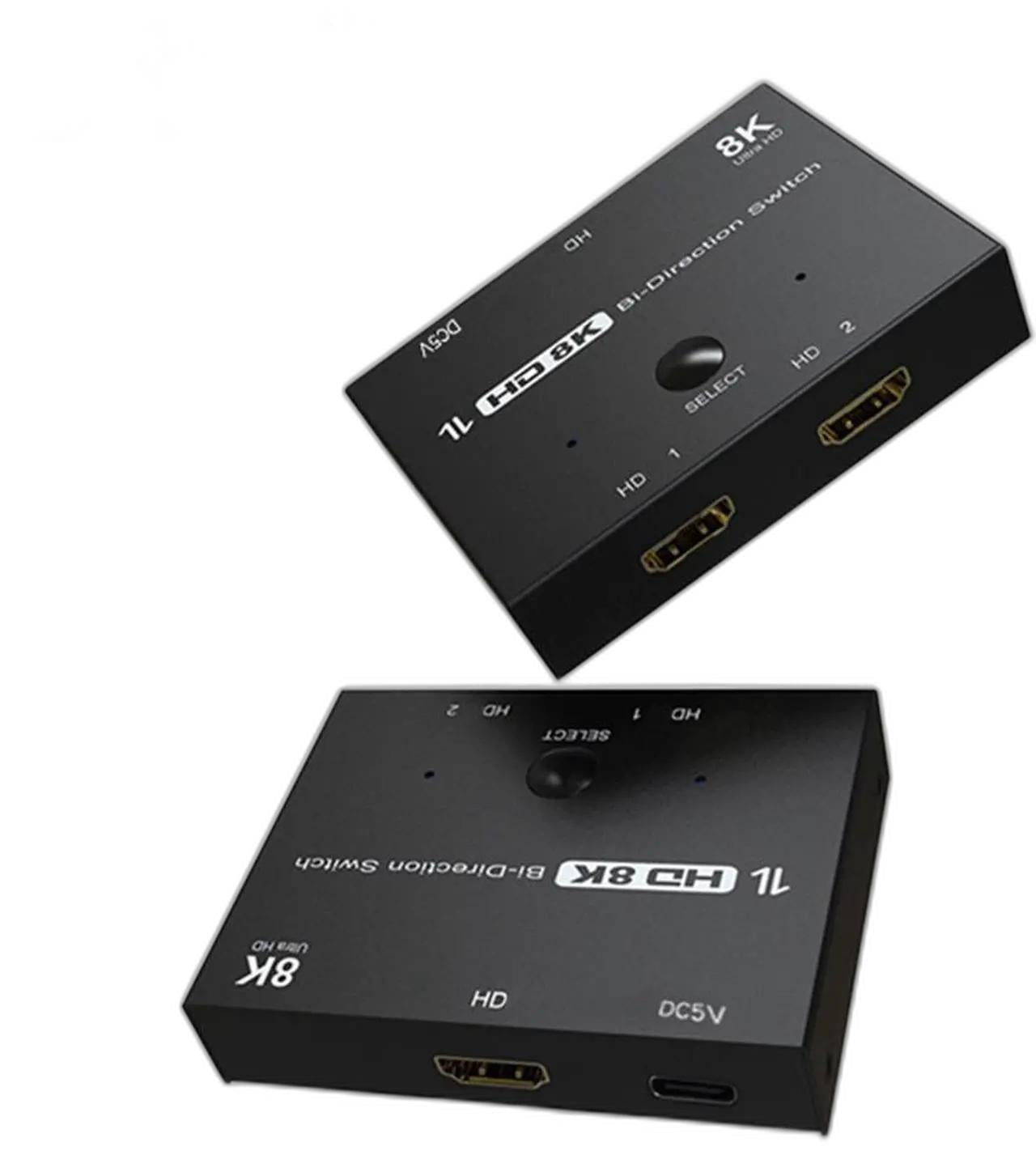
Sale$41.38
Delivery calculated at checkout.
AvailableMy Store
This HDMI 2.1 Bi-Directional Switch Splitter supports two operating modes: 2-in-1-Out or 1-in-2-Out. In Mode One (Switch), connect two HDMI source devices (e.g., game consoles, set-top boxes, laptops, desktop computers) to the HDMI 1 and HDMI 2 inputs, then connect one display to the HDMI output. Press the "Select" button to switch between the two sources. In Mode Two (Splitter), connect one HDMI source to the HDMI input, then connect two displays to the HDMI 1 and HDMI...
Delivery optionsMethods and rates are calculated for the order and destination.
Secure checkoutPayment is handled through Shopify checkout.
Returns & warrantiesRead the process for faults, damage and return requests.
Consumer guaranteesUnderstand rights available under Australian Consumer Law.
Product details
- This HDMI 2.1 Bi-Directional Switch Splitter supports two operating modes: 2-in-1-Out or 1-in-2-Out.
- In Mode One (Switch), connect two HDMI source devices (e.g., game consoles, set-top boxes, laptops, desktop computers) to the HDMI 1 and HDMI 2 inputs, then connect one display to the HDMI output. Press the "Select" button to switch between the two sources.
- In Mode Two (Splitter), connect one HDMI source to the HDMI input, then connect two displays to the HDMI 1 and HDMI 2 outputs. In this mode, only one display can be active at a time; press the "Select" button to switch between the two displays.
- Supports HDMI 2.1 with 8K@60Hz and 4K@120Hz refresh rates, providing smooth and ultra‑high‑definition visuals. Bandwidth up to 48Gbps.
- Ideal for connecting multiple devices to a single display or sharing one source between two displays.
Specifications
- Weight: 95 g
- Length: mm
- Width: mm
- Height: mm
Delivery & returns
Delivery methods, charges and estimates are calculated for the order and destination during checkout.
For a faulty, damaged or incorrect item, review Refunds & Warranties and contact us before sending anything back.
Product support
Need help checking a connector, measurement or compatibility detail? Contact customer care with the product name and SKU.
You may also like
 8-in-1 USB C Hub with 4K HDMI, 100W PD, USB 3.0, RJ45 Ethernet, SD/TF Card Reader$35.23
 USB LED Work Light, Foldable Portable Flashlight with Magnet for Car Repair Emergency$53.05
 Portable UV Flashlight 365nm, 3LED, Ultra Violet Torch for Pet Urine & Currency Detection$167.64
 USB Rechargeable Neck Light, 3 Brightness Levels, 360° Flexible LED Reading Lamp for Running, White$20.96
 COB LED Diving Flashlight, 100m Waterproof Underwater Torch, 3 Light Colors, 7 Modes$391.51
 Super Bright LED Searchlight, 4 Light Modes, USB Rechargeable, Waterproof, Outdoor Camping Spotlight$17.81