THE EDIT
Collection spotlightUseful tech, better sortedExplore practical accessories selected for everyday work, home and time away.
Explore collection
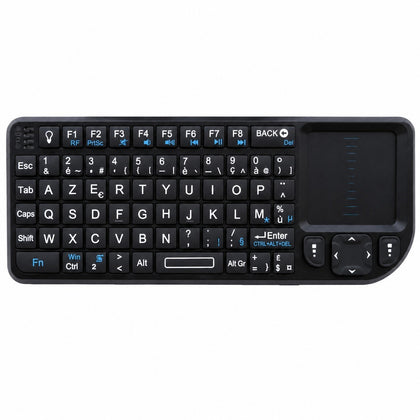 Mini Wireless Keyboard with Touchpad, AZERTY, 2.4 GHz Rechargeable, for Smart TV & PC$63.66
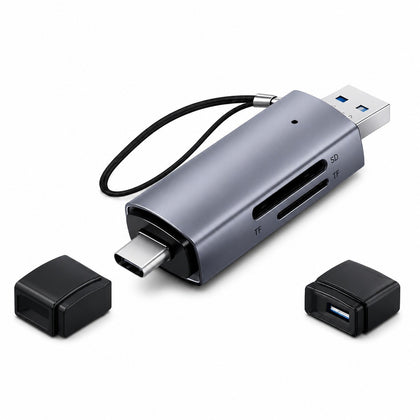 2-in-1 SD Micro SD Card Reader USB 3.0 & USB-C, OTG Compatible$20.03
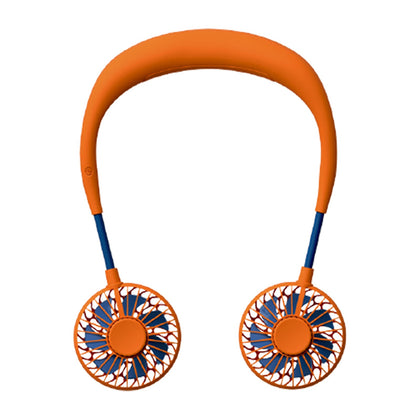 USB Rechargeable Mini Neck Fan, Portable Hands-Free Personal Cooling Fan$18.57
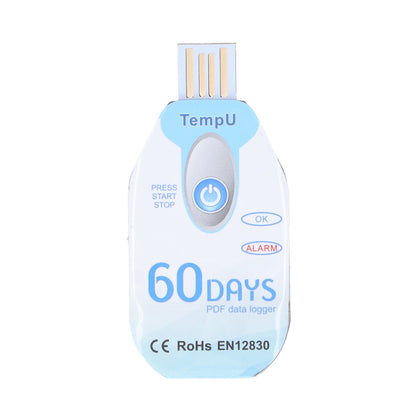 Portable Food Temperature Data Logger, USB Powered, PDF Report$120.00
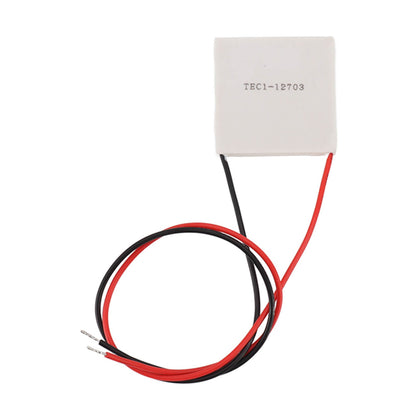 Thermoelectric Cooler, Semiconductor Refrigeration Tablet, Silicone Rubber, for CPU Power Industry$14.11
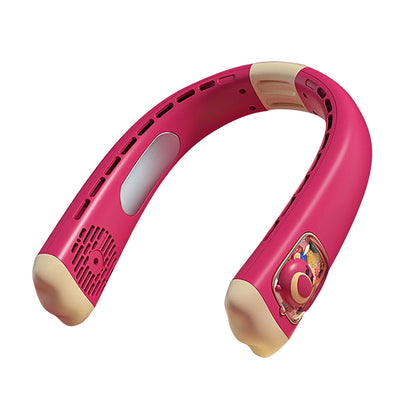 USB Rechargeable Neck Fan, Strawberry Bear Design, Portable Hands-Free, Personal Cooling$33.55
USB 2-in-4-out Printer Switch, 2 Computers Sharing Hub, USB Splitter
SKU P20260521MYJ0E5KL1UQ-0%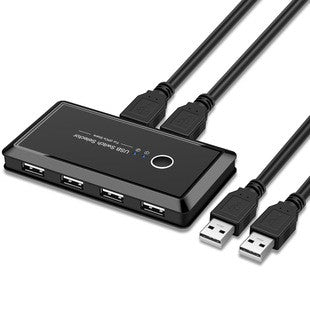
Sale$48.70
Delivery calculated at checkout.
AvailableMy Store
This USB hub features a 2-in-4-out design, allowing you to connect two computers and share up to four USB devices seamlessly. It functions as a printer sharing switch, making it easy to switch between two computers without unplugging cables. The multi-interface design supports various USB devices, ideal for home or office setups where multiple computers need access to the same peripherals. Compact and straightforward to use, this hub simplifies your workspace by reducing cable clutter and enhancing productivity....
Delivery optionsMethods and rates are calculated for the order and destination.
Secure checkoutPayment is handled through Shopify checkout.
Returns & warrantiesRead the process for faults, damage and return requests.
Consumer guaranteesUnderstand rights available under Australian Consumer Law.
Product details
- This USB hub features a 2-in-4-out design, allowing you to connect two computers and share up to four USB devices seamlessly.
- It functions as a printer sharing switch, making it easy to switch between two computers without unplugging cables.
- The multi-interface design supports various USB devices, ideal for home or office setups where multiple computers need access to the same peripherals.
- Compact and straightforward to use, this hub simplifies your workspace by reducing cable clutter and enhancing productivity.
Specifications
- Weight: 150 g
- Length: mm
- Width: mm
- Height: mm
Delivery & returns
Delivery methods, charges and estimates are calculated for the order and destination during checkout.
For a faulty, damaged or incorrect item, review Refunds & Warranties and contact us before sending anything back.
Product support
Need help checking a connector, measurement or compatibility detail? Contact customer care with the product name and SKU.
You may also like
 Mini Wireless Keyboard with Touchpad, AZERTY, 2.4 GHz Rechargeable, for Smart TV & PC$63.66
 2-in-1 SD Micro SD Card Reader USB 3.0 & USB-C, OTG Compatible$20.03
 USB Rechargeable Mini Neck Fan, Portable Hands-Free Personal Cooling Fan$18.57
 Portable Food Temperature Data Logger, USB Powered, PDF Report$120.00
 Thermoelectric Cooler, Semiconductor Refrigeration Tablet, Silicone Rubber, for CPU Power Industry$14.11
 USB Rechargeable Neck Fan, Strawberry Bear Design, Portable Hands-Free, Personal Cooling$33.55