DESK RESET
New collectionReset your deskStands, hubs, keyboards and cable-control picks for a cleaner everyday setup.
Shop the edit
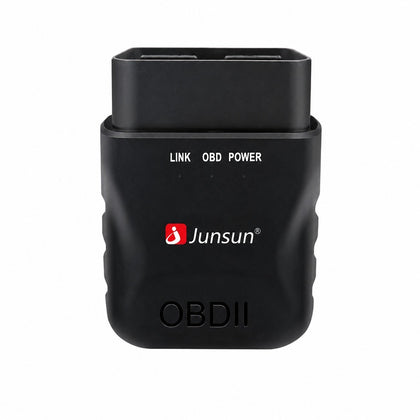 Mini ELM327 Bluetooth OBD2 Car Scanner, Diagnostic Tool for Vehicle Health, Read & Clear Fault Codes$29.93
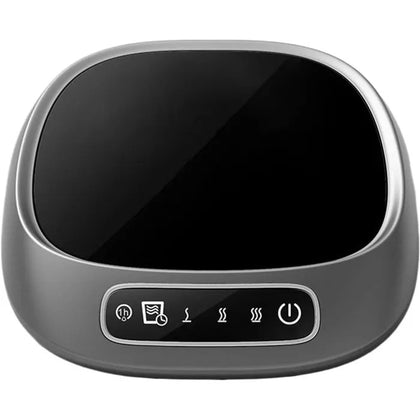 Ceramic USB Coffee Cup Warmer, Electric Mug Heater for Office, Tea, Hot Chocolate$26.52
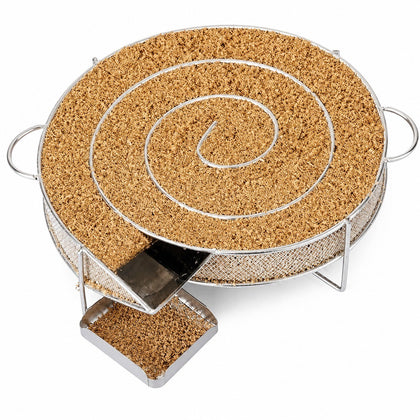 Cold Smoke Generator for Smoking Meat and Fish, with Cleaning Brush$50.93
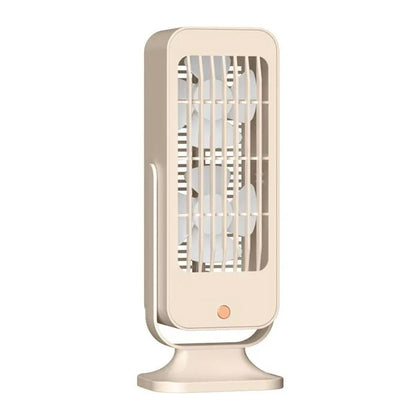 USB Desk Fan, Dual Silent, for Office Bedroom Air Circulation$15.91
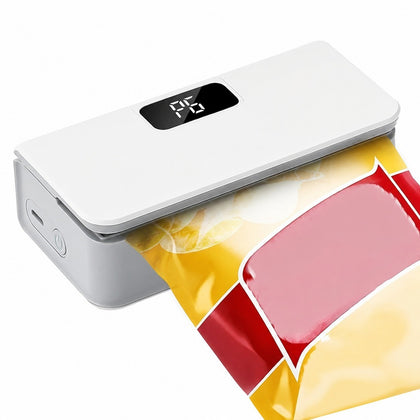 Cordless Vacuum Sealer, Wet Dry, 6 Speeds, Compact Lightweight, Kitchen$20.16
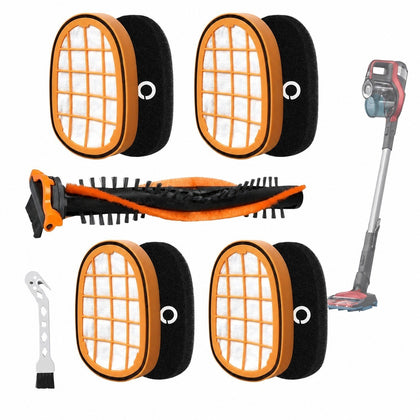 Filter Kit for Philips Vacuum, Roller Brush & Fine Brush, Compatible with FC6728/FC6727/FC6822$46.38
USB 2-in-4-out Switch Hub, Printer Sharing Device for 2 Computers
SKU P20260521MYJ0V3Y74BN-0%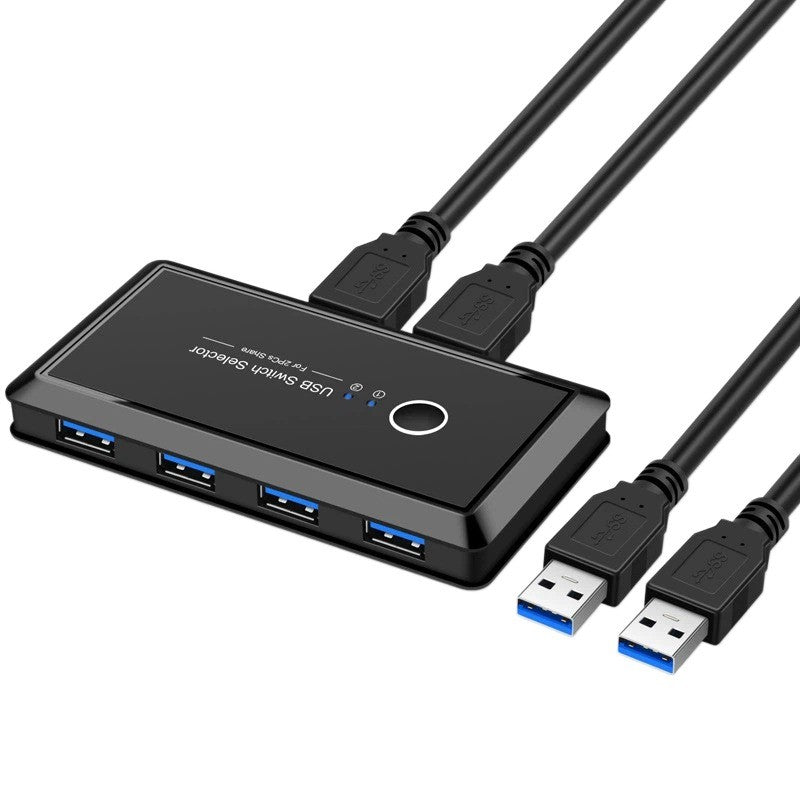
Sale$53.05
Delivery calculated at checkout.
AvailableMy Store
This USB hub features a 2-in-4-out design, allowing you to connect two computers and share up to four USB devices, such as printers or scanners. It supports easy switching between two computers, making it ideal for shared workspaces or home offices where multiple users need access to the same peripherals. The compact and durable build ensures reliable performance for daily use, with plug-and-play functionality for quick setup. Perfect for managing multiple USB connections, this hub simplifies your workflow...
Delivery optionsMethods and rates are calculated for the order and destination.
Secure checkoutPayment is handled through Shopify checkout.
Returns & warrantiesRead the process for faults, damage and return requests.
Consumer guaranteesUnderstand rights available under Australian Consumer Law.
Product details
- This USB hub features a 2-in-4-out design, allowing you to connect two computers and share up to four USB devices, such as printers or scanners.
- It supports easy switching between two computers, making it ideal for shared workspaces or home offices where multiple users need access to the same peripherals.
- The compact and durable build ensures reliable performance for daily use, with plug-and-play functionality for quick setup.
- Perfect for managing multiple USB connections, this hub simplifies your workflow and reduces cable clutter.
Specifications
- Weight: 150 g
- Length: mm
- Width: mm
- Height: mm
Delivery & returns
Delivery methods, charges and estimates are calculated for the order and destination during checkout.
For a faulty, damaged or incorrect item, review Refunds & Warranties and contact us before sending anything back.
Product support
Need help checking a connector, measurement or compatibility detail? Contact customer care with the product name and SKU.
You may also like
 Mini ELM327 Bluetooth OBD2 Car Scanner, Diagnostic Tool for Vehicle Health, Read & Clear Fault Codes$29.93
 Ceramic USB Coffee Cup Warmer, Electric Mug Heater for Office, Tea, Hot Chocolate$26.52
 Cold Smoke Generator for Smoking Meat and Fish, with Cleaning Brush$50.93
 USB Desk Fan, Dual Silent, for Office Bedroom Air Circulation$15.91
 Cordless Vacuum Sealer, Wet Dry, 6 Speeds, Compact Lightweight, Kitchen$20.16
 Filter Kit for Philips Vacuum, Roller Brush & Fine Brush, Compatible with FC6728/FC6727/FC6822$46.38