USB 3.0 Sharing Switch, Bi-Directional 2-in-1 Out / 1-in-2 Out for Multiple Computers and Peripherals, LED Indicators
SKU P20260423LGSSCF07RYH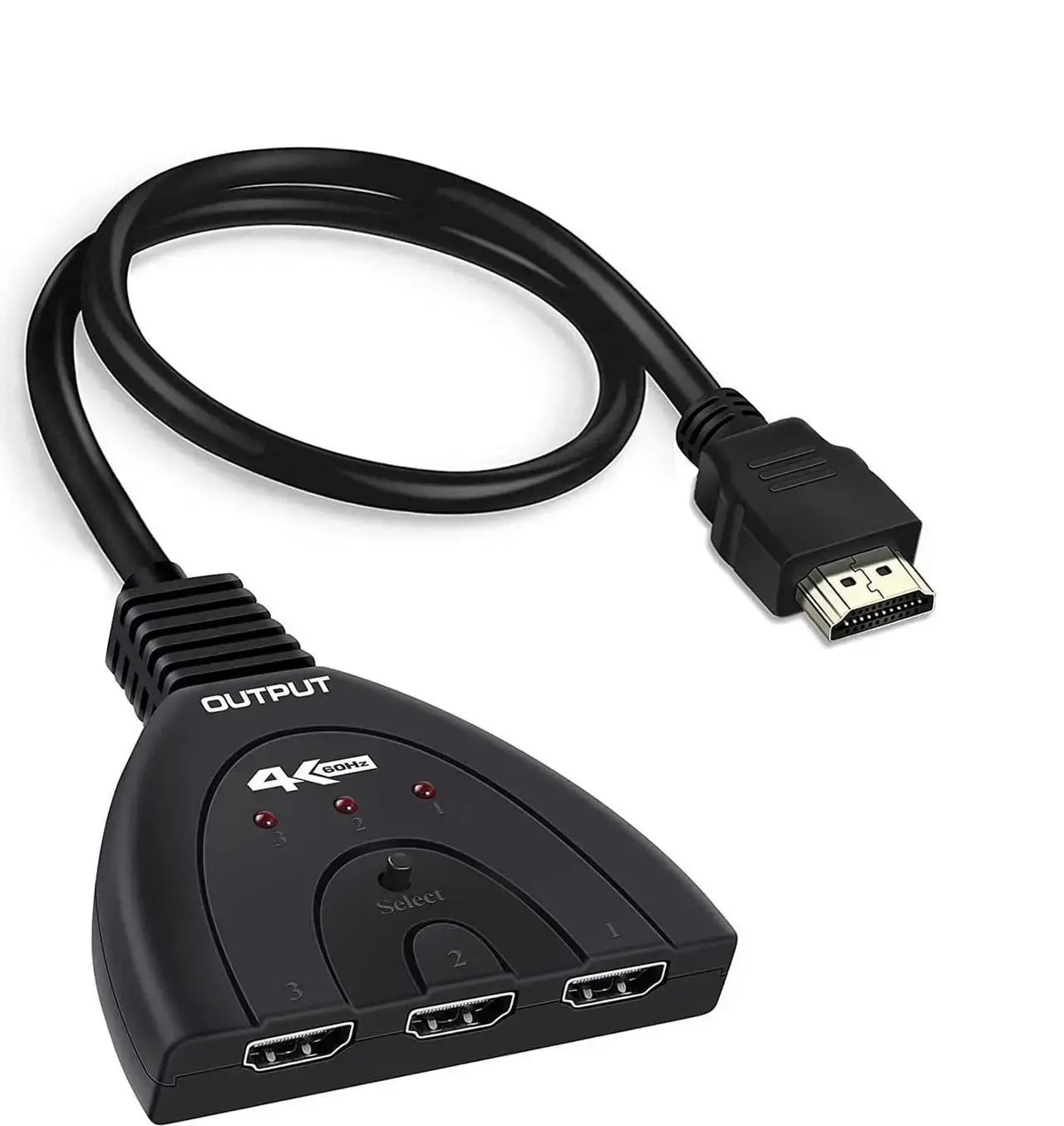
Product details
USB 3.0 Sharing Switch - Bi-Directional 2-in-1 Out / 1-in-2 Out
This USB sharing switch allows you to share one USB device between two computers, or connect two USB devices to one computer. With a simple button press, you can switch between two different USB devices or two computers without constantly plugging and unplugging cables.
Key Features:
1. Two working modes: 2-in-1 Out (two computers share one USB device) and 1-in-2 Out (one computer shares two USB devices).
2. Supports USB 3.0, USB 2.0, and USB 1.1 peripherals, with data transfer speeds up to 5 Gbps.
3. Blue LED indicator shows data transfer status.
4. Built-in safety system including surge protection, overload protection, and overheating protection.
5. No driver installation required – plug and play. No external power needed.
6. Compatible with Windows, Mac, Linux, and Chrome OS.
7. Includes 2-pack of 3.9ft (1.2m) USB 3.0 A to A cables.
Reduce cable wear and improve workflow efficiency. Ideal for office or home use when you need to switch between computers.
Specifications
- Weight: 100 g
- Length: mm
- Width: mm
- Height: mm
Delivery & returns
Delivery methods, charges and estimates are calculated for the order and destination during checkout.
For a faulty, damaged or incorrect item, review Refunds & Warranties and contact us before sending anything back.
Product support
Need help checking a connector, measurement or compatibility detail? Contact customer care with the product name and SKU.
You may also like
 Mini Wireless Keyboard with Touchpad, AZERTY, 2.4 GHz Rechargeable, for Smart TV & PC$63.66
 2-in-1 SD Micro SD Card Reader USB 3.0 & USB-C, OTG Compatible$20.03
 USB Rechargeable Mini Neck Fan, Portable Hands-Free Personal Cooling Fan$18.57
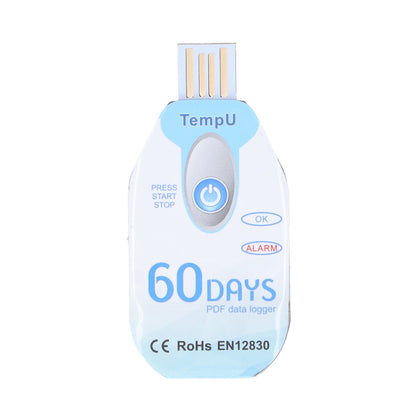 Portable Food Temperature Data Logger, USB Powered, PDF Report$120.00
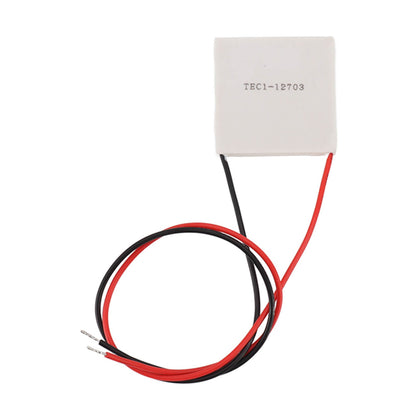 Thermoelectric Cooler, Semiconductor Refrigeration Tablet, Silicone Rubber, for CPU Power Industry$14.11
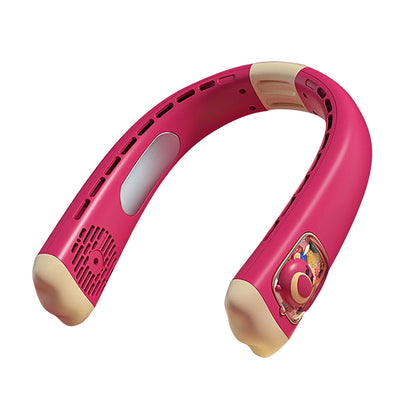 USB Rechargeable Neck Fan, Strawberry Bear Design, Portable Hands-Free, Personal Cooling$33.55