DESK RESET
New collectionReset your deskStands, hubs, keyboards and cable-control picks for a cleaner everyday setup.
Shop the edit
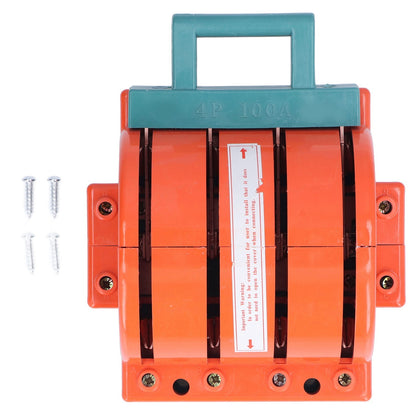 100A 4 Pole Double Throw Knife Switch, Electrical Disconnect for Home Appliances$16.98
 3P 63A Double Throw Knife Switch, Bidirectional Power Isolation Switch, RPSHK11$149.45
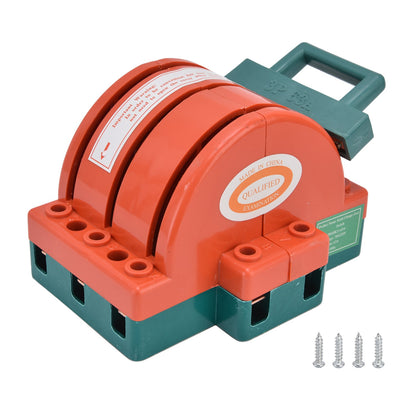
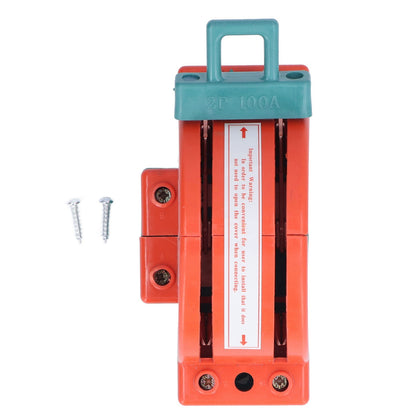 100A 2 Pole Double Throw Knife Switch, Electrical Disconnect for Home Appliances$16.98
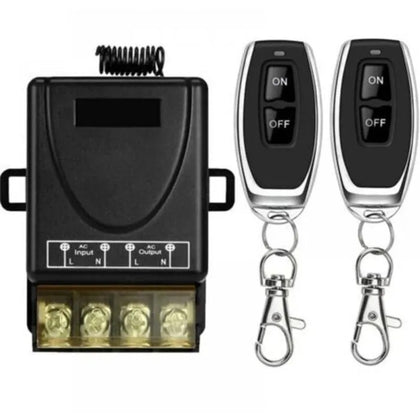 433MHz Wireless Remote Control Switch, 30A, AC 110V-240V, RF for Light, Water Pump$15.51
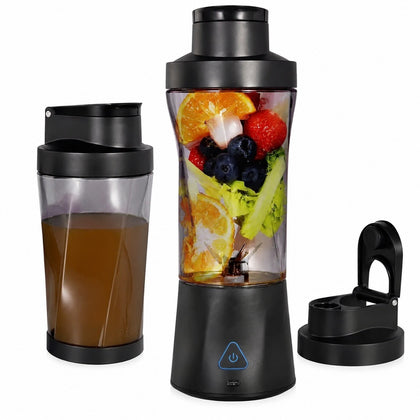 Mini Portable Blender, Smoothie Maker & Juice Extractor, 6000 mAh, Rechargeable$82.76
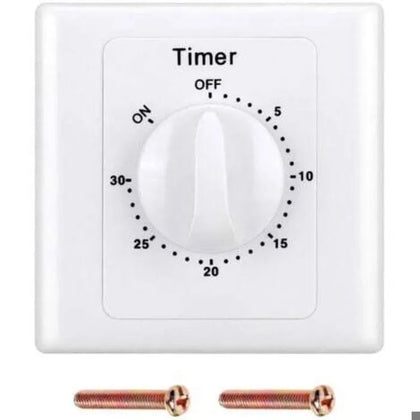 220V Pump Timer Switch, 30min, Electronic Mechanical Countdown Socket, High Performance$17.79
USB 3.0 Switch 4 Ports 2 Inputs, Printer Sharing Hub for Computer
SKU P20260521MYJ0E5K6OSQ-0%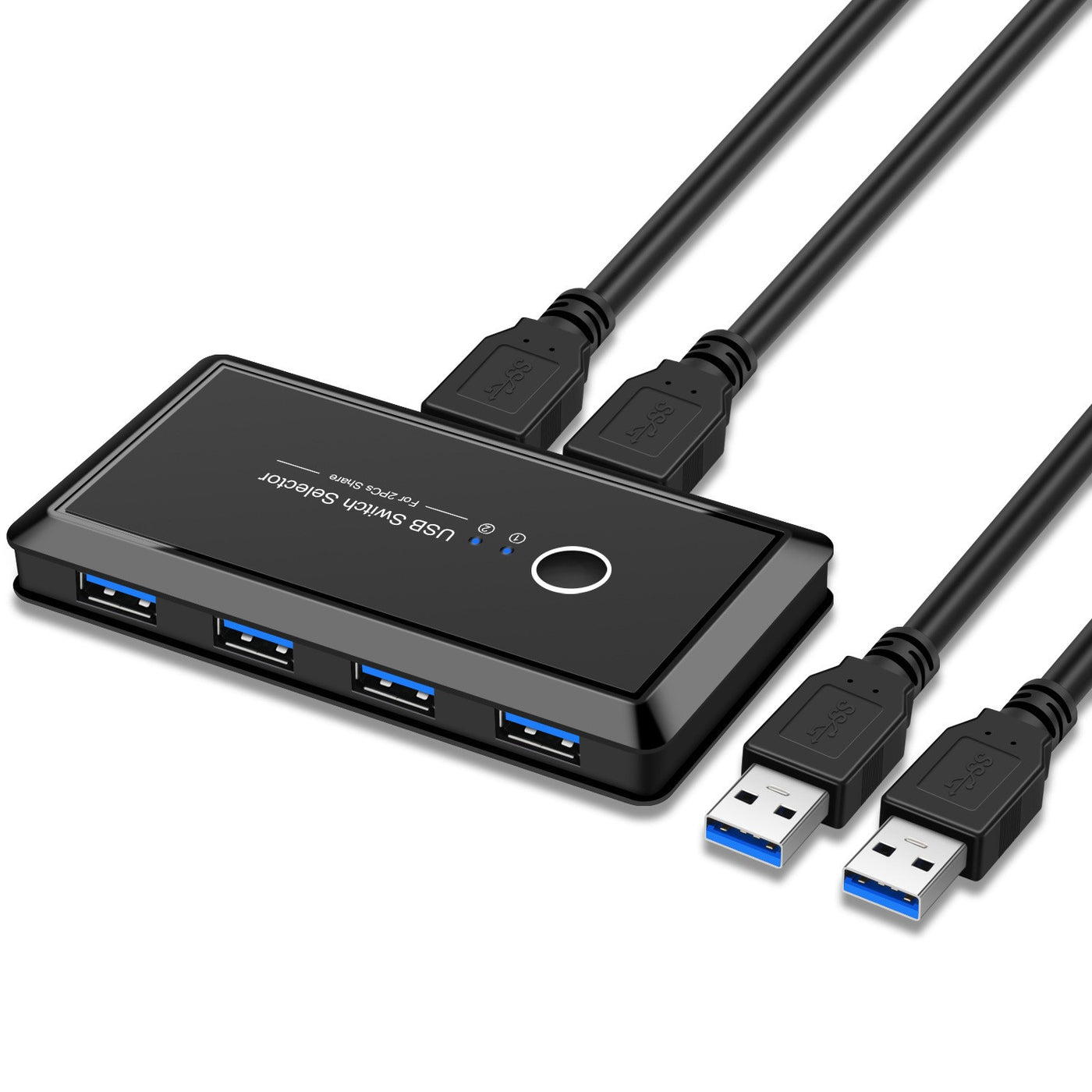
Sale$53.05
Delivery calculated at checkout.
AvailableMy Store
This USB 3.0 switch allows you to share a single printer or other USB device between two computers, making it easy to switch between them without unplugging cables. With a 4-port output and 2-port input design, it supports connecting up to 4 USB devices and 2 computers, offering flexible sharing for your workspace. The switch supports USB 3.0 speeds for fast data transfer, and is backward compatible with USB 2.0 and USB 1.1 devices. Simply press the button...
Delivery optionsMethods and rates are calculated for the order and destination.
Secure checkoutPayment is handled through Shopify checkout.
Returns & warrantiesRead the process for faults, damage and return requests.
Consumer guaranteesUnderstand rights available under Australian Consumer Law.
Product details
- This USB 3.0 switch allows you to share a single printer or other USB device between two computers, making it easy to switch between them without unplugging cables.
- With a 4-port output and 2-port input design, it supports connecting up to 4 USB devices and 2 computers, offering flexible sharing for your workspace.
- The switch supports USB 3.0 speeds for fast data transfer, and is backward compatible with USB 2.0 and USB 1.1 devices.
- Simply press the button on the unit to select which computer controls the connected devices, providing a convenient and efficient solution for home or office use.
Specifications
- Weight: 150 g
- Length: mm
- Width: mm
- Height: mm
Delivery & returns
Delivery methods, charges and estimates are calculated for the order and destination during checkout.
For a faulty, damaged or incorrect item, review Refunds & Warranties and contact us before sending anything back.
Product support
Need help checking a connector, measurement or compatibility detail? Contact customer care with the product name and SKU.
You may also like
 100A 4 Pole Double Throw Knife Switch, Electrical Disconnect for Home Appliances$16.98
 3P 63A Double Throw Knife Switch, Bidirectional Power Isolation Switch, RPSHK11$149.45
 100A 2 Pole Double Throw Knife Switch, Electrical Disconnect for Home Appliances$16.98
 433MHz Wireless Remote Control Switch, 30A, AC 110V-240V, RF for Light, Water Pump$15.51
 Mini Portable Blender, Smoothie Maker & Juice Extractor, 6000 mAh, Rechargeable$82.76
 220V Pump Timer Switch, 30min, Electronic Mechanical Countdown Socket, High Performance$17.79