DESK RESET
New collectionReset your deskStands, hubs, keyboards and cable-control picks for a cleaner everyday setup.
Shop the edit
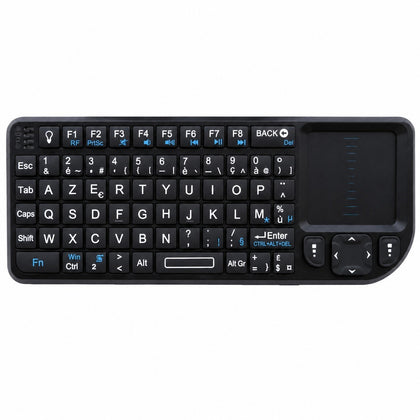 Mini Wireless Keyboard with Touchpad, AZERTY, 2.4 GHz Rechargeable, for Smart TV & PC$63.66
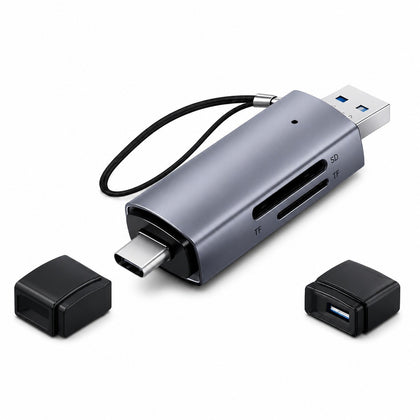 2-in-1 SD Micro SD Card Reader USB 3.0 & USB-C, OTG Compatible$20.03
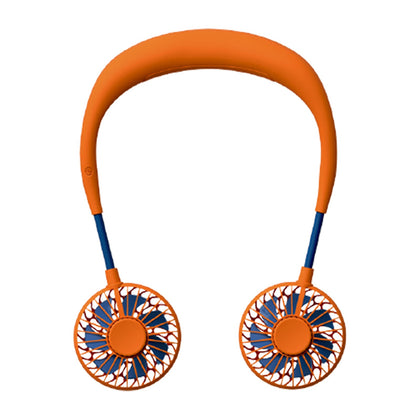 USB Rechargeable Mini Neck Fan, Portable Hands-Free Personal Cooling Fan$18.57
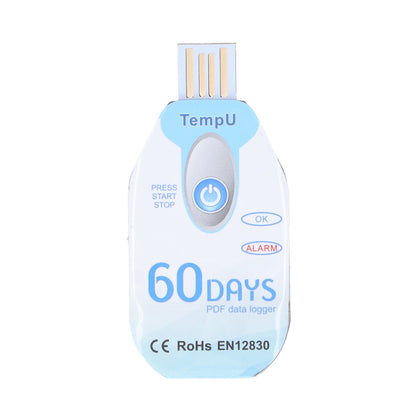 Portable Food Temperature Data Logger, USB Powered, PDF Report$120.00
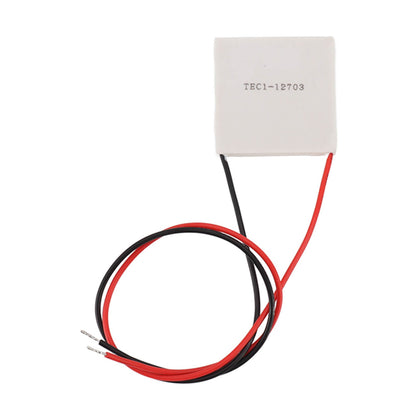 Thermoelectric Cooler, Semiconductor Refrigeration Tablet, Silicone Rubber, for CPU Power Industry$14.11
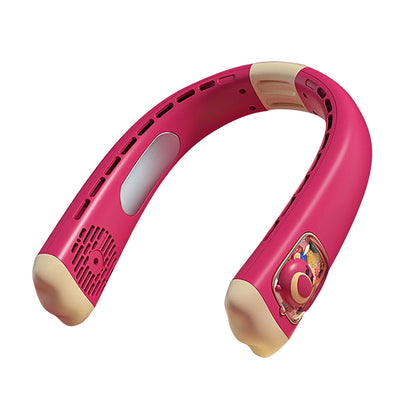 USB Rechargeable Neck Fan, Strawberry Bear Design, Portable Hands-Free, Personal Cooling$33.55
USB HDMI KVM Switch for 2 Computers, Share Keyboard Mouse Printer Monitor
SKU P20260521MYJ0V3Y817L-0%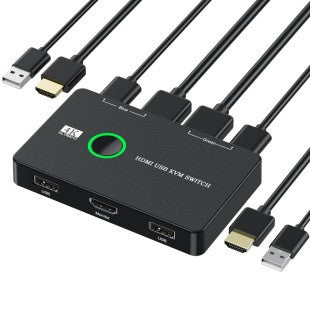
Sale$72.15
Delivery calculated at checkout.
AvailableMy Store
This KVM switch allows you to control two computers using a single set of keyboard, mouse, and monitor. It also supports sharing a printer and other USB devices between the two systems. With HDMI video output, it supports high-definition displays for clear and sharp visuals. The built-in USB hub makes it easy to connect peripherals like a printer or external storage. Switching between computers is simple and quick, helping you streamline your workspace and reduce cable clutter. Ideal...
Delivery optionsMethods and rates are calculated for the order and destination.
Secure checkoutPayment is handled through Shopify checkout.
Returns & warrantiesRead the process for faults, damage and return requests.
Consumer guaranteesUnderstand rights available under Australian Consumer Law.
Product details
- This KVM switch allows you to control two computers using a single set of keyboard, mouse, and monitor. It also supports sharing a printer and other USB devices between the two systems.
- With HDMI video output, it supports high-definition displays for clear and sharp visuals. The built-in USB hub makes it easy to connect peripherals like a printer or external storage.
- Switching between computers is simple and quick, helping you streamline your workspace and reduce cable clutter. Ideal for home offices or small workstations where you need to manage multiple computers efficiently.
Specifications
- Weight: 150 g
- Length: mm
- Width: mm
- Height: mm
Delivery & returns
Delivery methods, charges and estimates are calculated for the order and destination during checkout.
For a faulty, damaged or incorrect item, review Refunds & Warranties and contact us before sending anything back.
Product support
Need help checking a connector, measurement or compatibility detail? Contact customer care with the product name and SKU.
You may also like
 Mini Wireless Keyboard with Touchpad, AZERTY, 2.4 GHz Rechargeable, for Smart TV & PC$63.66
 2-in-1 SD Micro SD Card Reader USB 3.0 & USB-C, OTG Compatible$20.03
 USB Rechargeable Mini Neck Fan, Portable Hands-Free Personal Cooling Fan$18.57
 Portable Food Temperature Data Logger, USB Powered, PDF Report$120.00
 Thermoelectric Cooler, Semiconductor Refrigeration Tablet, Silicone Rubber, for CPU Power Industry$14.11
 USB Rechargeable Neck Fan, Strawberry Bear Design, Portable Hands-Free, Personal Cooling$33.55