DESK RESET
New collectionReset your deskStands, hubs, keyboards and cable-control picks for a cleaner everyday setup.
Shop the edit
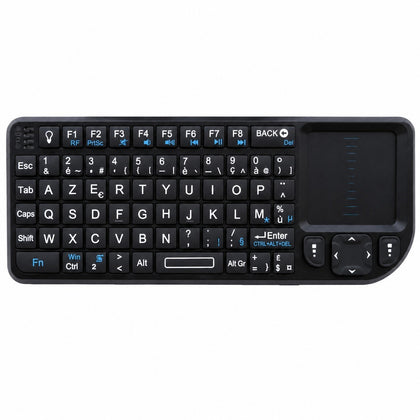 Mini Wireless Keyboard with Touchpad, AZERTY, 2.4 GHz Rechargeable, for Smart TV & PC$63.66
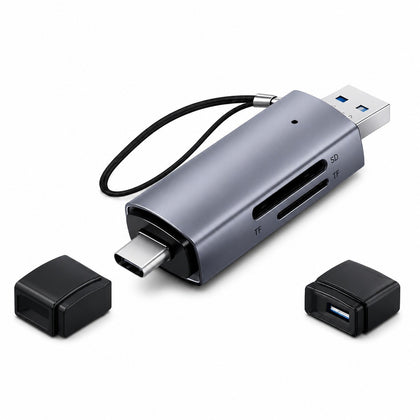 2-in-1 SD Micro SD Card Reader USB 3.0 & USB-C, OTG Compatible$20.03
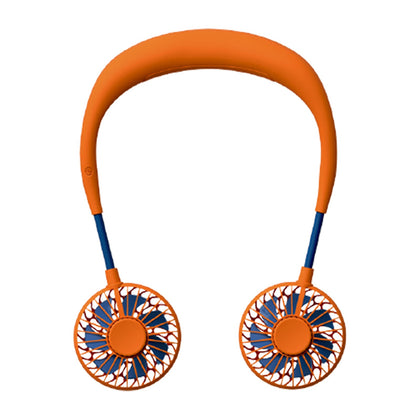 USB Rechargeable Mini Neck Fan, Portable Hands-Free Personal Cooling Fan$18.57
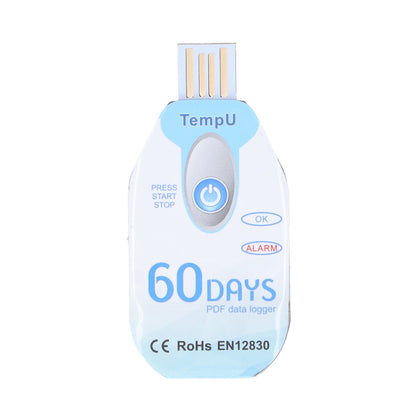 Portable Food Temperature Data Logger, USB Powered, PDF Report$120.00
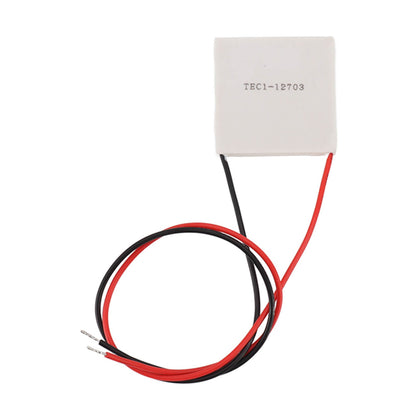 Thermoelectric Cooler, Semiconductor Refrigeration Tablet, Silicone Rubber, for CPU Power Industry$14.11
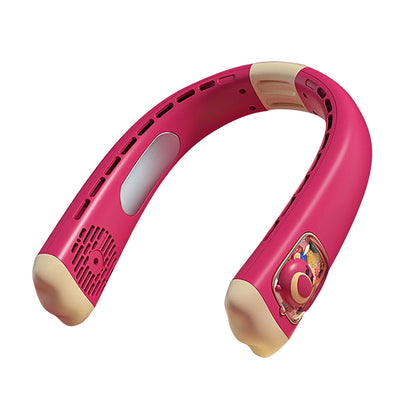 USB Rechargeable Neck Fan, Strawberry Bear Design, Portable Hands-Free, Personal Cooling$33.55
Wireless HDMI KVM Extender 1080P 60Hz 200m with HDMI Loop-Out 5.8G Dual Antenna for USB Keyboard/Mouse and Laptop Streaming
SKU P20260423LGSSCF2BQTS-19%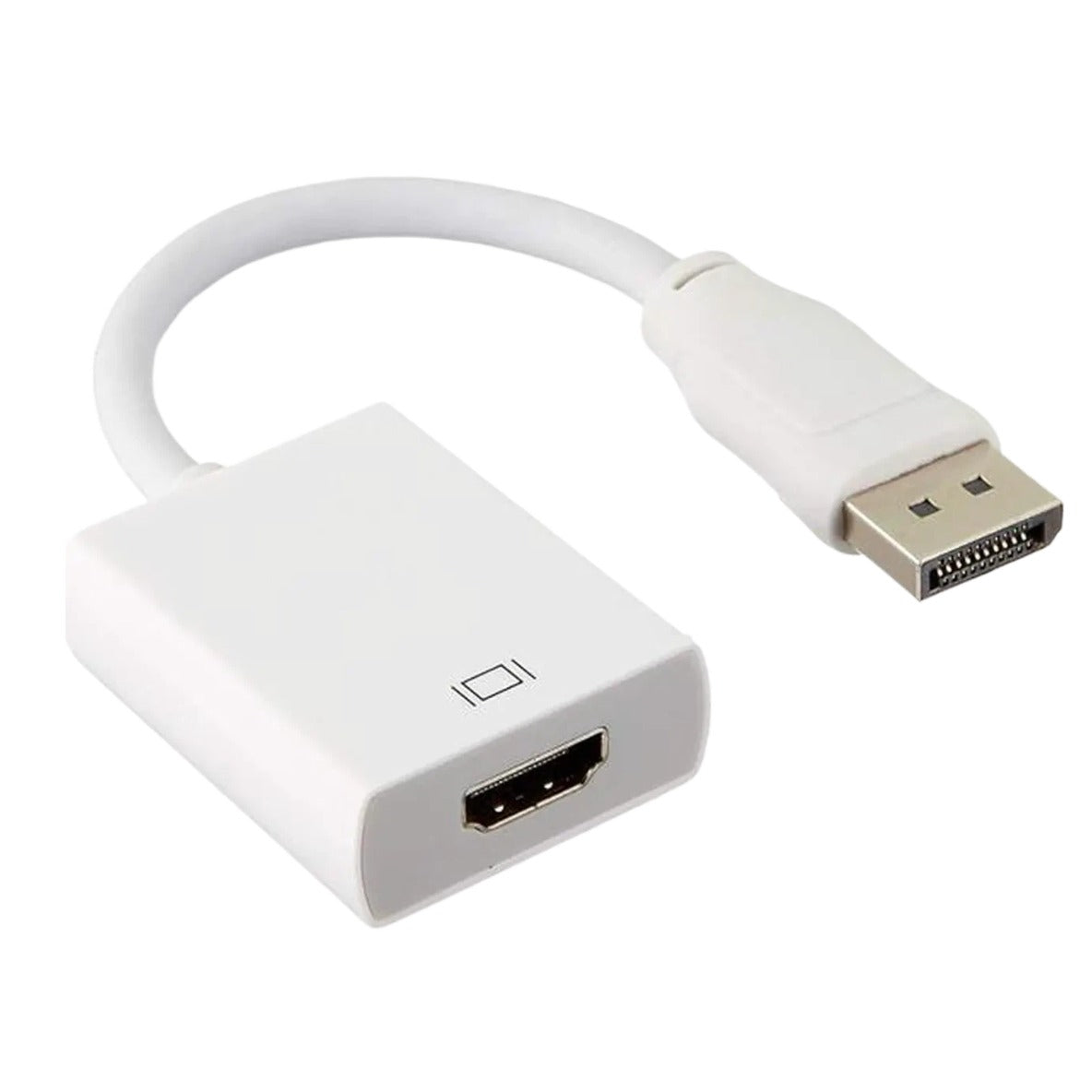
Sale$12.91$15.94
Delivery calculated at checkout.
AvailableMy Store
This Wireless HDMI KVM Extender allows you to transmit 1080P video and audio at 60Hz up to 200 meters (656ft) using dual 5.8G antennas. It features a local HDMI loop-out on the transmitter for connecting an extra screen, perfect for extending your desktop or controlling a remote computer. Installation is simple and takes about 1 minute. Just connect the source to the transmitter and the display to the receiver, power both units, and wait 5 seconds for automatic...
Delivery optionsMethods and rates are calculated for the order and destination.
Secure checkoutPayment is handled through Shopify checkout.
Returns & warrantiesRead the process for faults, damage and return requests.
Consumer guaranteesUnderstand rights available under Australian Consumer Law.
Product details
- This Wireless HDMI KVM Extender allows you to transmit 1080P video and audio at 60Hz up to 200 meters (656ft) using dual 5.8G antennas. It features a local HDMI loop-out on the transmitter for connecting an extra screen, perfect for extending your desktop or controlling a remote computer.
- Installation is simple and takes about 1 minute. Just connect the source to the transmitter and the display to the receiver, power both units, and wait 5 seconds for automatic pairing. No driver or app required – true plug and play. For best signal quality, avoid placing metal obstacles between the transmitter and receiver.
- The receiver includes two USB ports for connecting a keyboard and mouse, allowing you to control the PC or laptop connected to the transmitter from a distance. IR return support lets you use a remote to switch channels for cable boxes or media players. The local HDMI loop-out provides an additional screen at the transmitter side, ideal for monitoring or presentations.
Specifications
- Weight: 40 g
- Length: mm
- Width: mm
- Height: mm
Delivery & returns
Delivery methods, charges and estimates are calculated for the order and destination during checkout.
For a faulty, damaged or incorrect item, review Refunds & Warranties and contact us before sending anything back.
Product support
Need help checking a connector, measurement or compatibility detail? Contact customer care with the product name and SKU.
You may also like
 Mini Wireless Keyboard with Touchpad, AZERTY, 2.4 GHz Rechargeable, for Smart TV & PC$63.66
 2-in-1 SD Micro SD Card Reader USB 3.0 & USB-C, OTG Compatible$20.03
 USB Rechargeable Mini Neck Fan, Portable Hands-Free Personal Cooling Fan$18.57
 Portable Food Temperature Data Logger, USB Powered, PDF Report$120.00
 Thermoelectric Cooler, Semiconductor Refrigeration Tablet, Silicone Rubber, for CPU Power Industry$14.11
 USB Rechargeable Neck Fan, Strawberry Bear Design, Portable Hands-Free, Personal Cooling$33.55