DESK RESET
New collectionReset your deskStands, hubs, keyboards and cable-control picks for a cleaner everyday setup.
Shop the edit
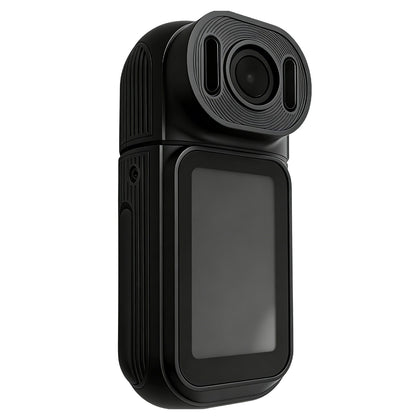 Thumb Camera with Rotatable Lens, HD Action Cam for Cycling Vlog, Long Battery Life$117.42
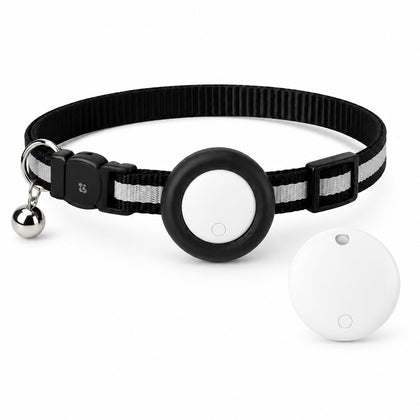 Pet Tracker for Cats & Dogs, Apple Find My Compatible, No Subscription, Collar Included, iPhone iOS 14.5+$34.80
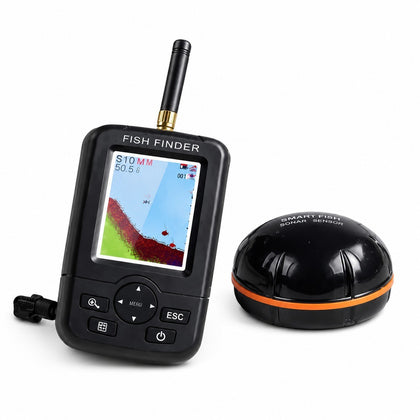 Portable Wireless Fish Finder with Floating Sensor, Color Screen, for Fishing from Bank or Boat$285.52
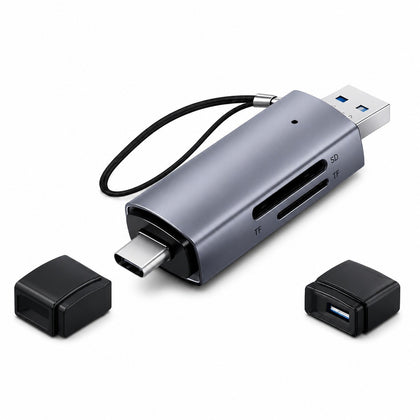 2-in-1 SD Micro SD Card Reader USB 3.0 & USB-C, OTG Compatible$20.03
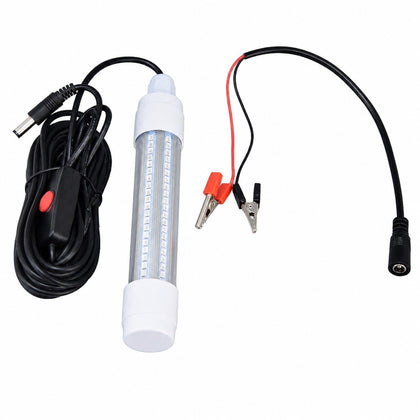 126 LED Submersible Fishing Light, IP68 Waterproof 1000lm, Green, Night Fish Finder Lamp 13W AC12-36V$36.07
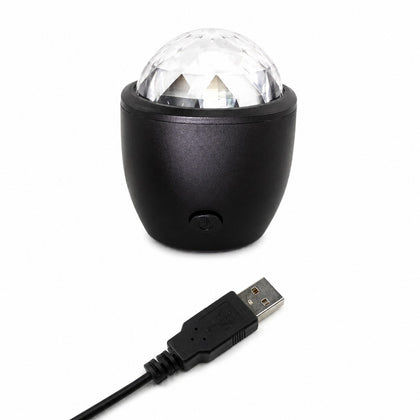 LED Stage Effect Light, Sound Activated Rotating Party Ball for DJ KTV Dancing$16.37
Wireless Presenter Remote Control, USB PPT Clicker, Laser Pointer, RF 2.4GHz
SKU P20260529HXJJUGMWE78-0%

Sale$13.79
Delivery calculated at checkout.
AvailableSlowMoose
Effortlessly control your PowerPoint presentations from up to 15 meters away with this wireless presenter remote. Move freely around the room and keep your audience engaged without being tied to your computer. The bright red laser pointer helps you highlight key points on your slides. It is clearly visible against most backgrounds, though not recommended for use on TV, LED, or LCD screens. Simple one-touch keys let you move slides forward or backward, start a full-screen view, or...
Delivery optionsMethods and rates are calculated for the order and destination.
Secure checkoutPayment is handled through Shopify checkout.
Returns & warrantiesRead the process for faults, damage and return requests.
Consumer guaranteesUnderstand rights available under Australian Consumer Law.
Product details
- Effortlessly control your PowerPoint presentations from up to 15 meters away with this wireless presenter remote. Move freely around the room and keep your audience engaged without being tied to your computer.
- The bright red laser pointer helps you highlight key points on your slides. It is clearly visible against most backgrounds, though not recommended for use on TV, LED, or LCD screens.
- Simple one-touch keys let you move slides forward or backward, start a full-screen view, or blank the screen. No complicated setup is needed-just plug the ultra-thin USB receiver into your computer. For Mac users, a simple configuration may be required.
- The USB receiver stores conveniently under the battery cover, so you'll never lose it when not in use. The package includes one presenter remote, one wireless receiver, and one user manual.
Specifications
- Weight: g
- Length: mm
- Width: mm
- Height: mm
Delivery & returns
Delivery methods, charges and estimates are calculated for the order and destination during checkout.
For a faulty, damaged or incorrect item, review Refunds & Warranties and contact us before sending anything back.
Product support
Need help checking a connector, measurement or compatibility detail? Contact customer care with the product name and SKU.
You may also like
 Thumb Camera with Rotatable Lens, HD Action Cam for Cycling Vlog, Long Battery Life$117.42
 Pet Tracker for Cats & Dogs, Apple Find My Compatible, No Subscription, Collar Included, iPhone iOS 14.5+$34.80
 Portable Wireless Fish Finder with Floating Sensor, Color Screen, for Fishing from Bank or Boat$285.52
 2-in-1 SD Micro SD Card Reader USB 3.0 & USB-C, OTG Compatible$20.03
 126 LED Submersible Fishing Light, IP68 Waterproof 1000lm, Green, Night Fish Finder Lamp 13W AC12-36V$36.07
 LED Stage Effect Light, Sound Activated Rotating Party Ball for DJ KTV Dancing$16.37